Signal Setup Tab
The Signal Setup tab of the Signal Setup page is where configuration items related to the signal type or content are configured.
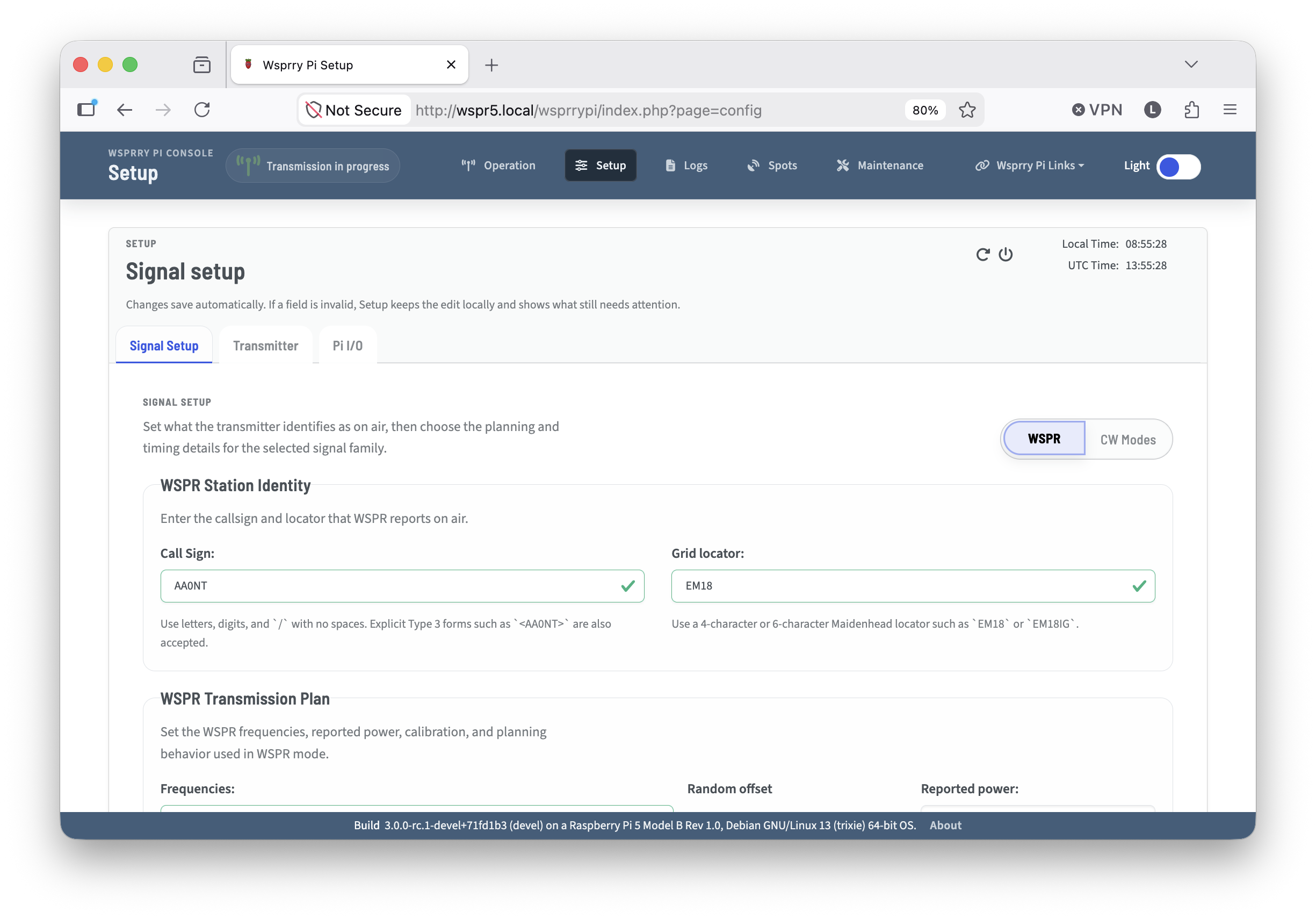
This tab has two main modes, WSPR and CW.
Set your preferred mode and the page context will change specific to that mode.
Choose the mode you want to configure:
Signal Configuration Guides
Configure WSPR for station identity, WSPR message planning, frequencies, reported power, and calibration.
Configure CW Modes for QRSS, FSKCW, and DFCW modulation, timing, spacing, scheduling, frequency, and message validation.
If your task concerns the RF output path or Raspberry Pi pins rather than signal content, use Configure Transmitter or Configure Raspberry Pi I/O.